
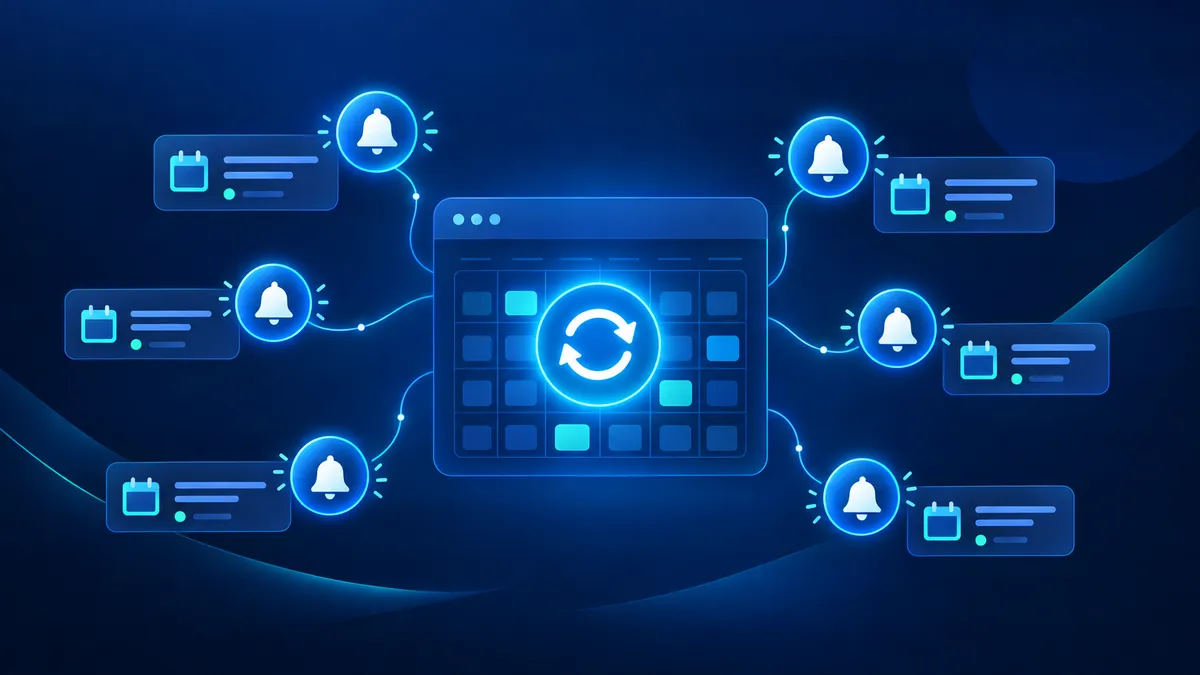
Cleaner Confirmations, Smarter Reminders: Recurring Appointment Notifications Just Got a Major Upgrade in Attractzen
If your business runs on recurring appointments — coaching calls, consultations, service packages, or weekly check-ins — you have probably dealt with the frustration of inconsistent notifications. A client books a recurring series and gets flooded with individual confirmations. Or they book a custom recurring appointment in-app and hear nothing at all. Those days are over.
Attractzen has upgraded how calendar notifications work for recurring appointments, and the improvements are live right now — no setup required.
What Changed and Why It Matters
One Confirmation for the Whole Series
When a recurring appointment is booked, your client now receives a single confirmation that covers the entire series — not a separate email or text for each occurrence. Before this update, every individual occurrence triggered its own confirmation, which could mean a client received five, ten, or even more notifications the moment they booked a repeating series. Now it is one clear message that tells them exactly what they signed up for.
Custom Recurring Appointments Are Now Fully Covered
Custom recurring appointments — the ones you create directly inside Attractzen — were previously a blind spot in the notification system. Clients booked them and received nothing. That gap is now closed. Custom recurring appointments send a single confirmation per booking, just like standard recurring appointments. If those appointments are rescheduled or cancelled, clients receive the appropriate notification based on the scope of the change you select.
Reminders and Follow-Ups for Every Occurrence
One confirmation covers the series — but reminders and follow-ups still fire individually for each occurrence, keeping your clients on track for every single session. This applies to both default and custom recurring appointments. If you had custom recurrences that were not triggering reminders before, they are now.
Recurrence Details Right in the Notification
For custom recurring appointments, notifications can now include the full recurrence pattern alongside the appointment date and time. Instead of seeing just a date and time, your clients see the pattern included — for example, a Thursday recurring appointment would show the date plus a note that it reoccurs every Thursday — so they understand the full scope of a change at a glance without needing to log in or contact you.
How Reschedule and Cancellation Notifications Work
When you reschedule or cancel a custom recurring appointment, you choose the scope of the change — and the notification follows that choice automatically:
- This appointment only — sends a notification for that single occurrence
- All appointments — sends one notification covering the full series
- This and following — sends one notification for the reschedule scope
Default recurring appointments are unchanged — those notifications remain specific to the affected appointment, as before.
Nothing to Configure
These enhancements are live automatically. Every newly booked or edited appointment benefits from the improved notification logic right away. To display recurrence details in your notifications, make sure your notification templates use the appointment date and time custom value — that is all it takes.
Note: These changes apply to calendar notifications only. Workflow automations tied to appointments are not affected by this update.
The Bottom Line for Your Business
Cleaner communication with clients means fewer confused follow-up calls, fewer no-shows, and a more professional experience from the moment a booking is confirmed. When clients receive one clear confirmation that covers their full series — plus timely reminders before each session — they show up prepared and confident. And when changes happen, they understand exactly what changed and why.
Attractzen's calendar keeps getting smarter so your scheduling runs itself while you stay focused on delivering results.
Ready to see what Attractzen's AI-powered automation can do for your business?

Attract
CRM
Import tool
Dialer
IVR phone tree
Voicemail drop
Text (SMS)
Social media planner
Live Chat
A.i. Conversations
Facebook ads
Google ads
Online events
In person events
Lead Magnets
Optin forms
Surveys
Landing pages
Build
Automations
Tasks
Notes
Pipelines
Opportunities
Smart lists
Lead Scoring
Notifications
Bulk SMS
Bulk Email
Newsletter
Blog
A.i. Content
Reputation management
Pixel retargeting
Convert
Appointment scheduling
Zoom
Google Meet
Order forms
Coupon codes
Proposals
Estimates
Invoices
Affiliate Manager
Communities
Stripe / Authorize.net / NMI
Sign Up for our Newsletter
Support
See a demo
Getting started
FAQ's
Help docs
1:1 onboarding
Software updates
Community
Marketplace
Funnel build
Webinar build
Membership setup
Newsletter setup
Blog setup
Affiliate Program setup
Bulk Email setup
Company
About
Careers
Collabs
Integrations
All 628+ integrations
Zapier
Gmail 2 way email sync
Outlook/365 2 way email sync
iCal (Apple)
Google Calendar
Outlook/365 Calendar
Quickbooks
Affiliates
Quicklinks
© 2026 Attractzen
All Rights Reserved.


