
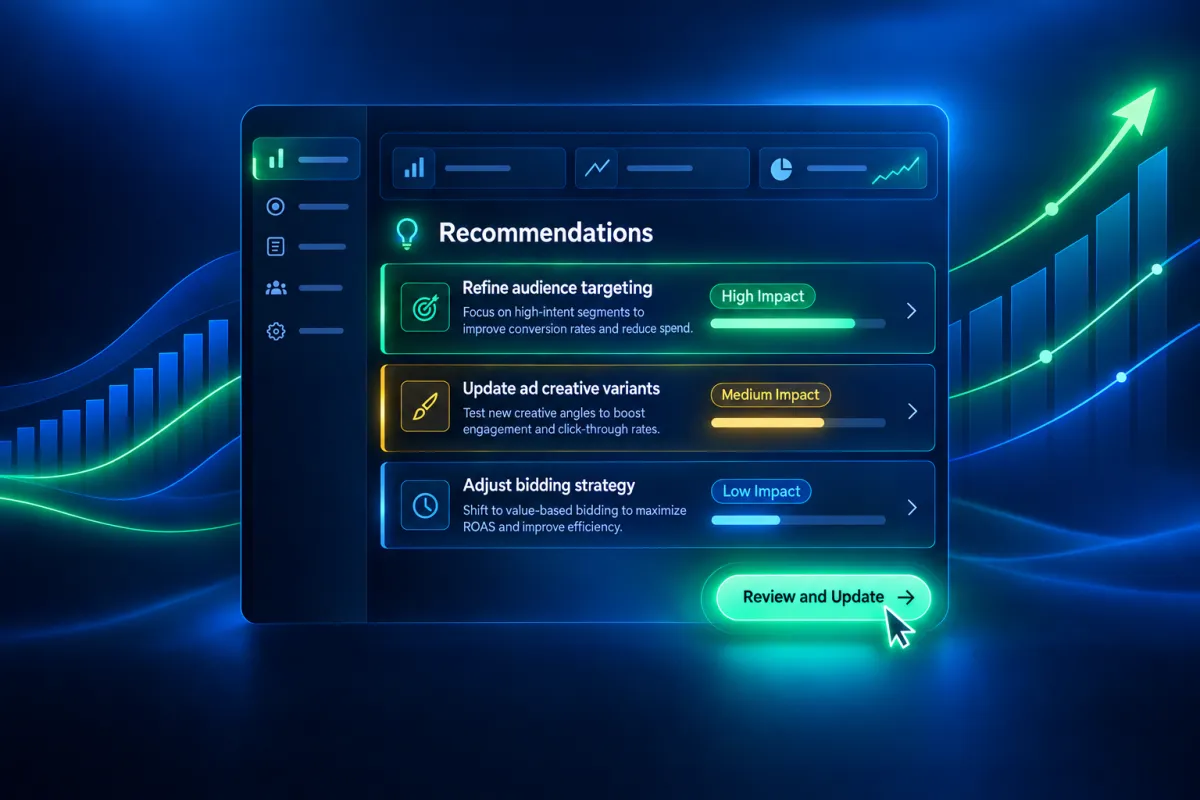
Smarter Ad Optimization: Meta Campaign Recommendations Now Appear Inside Attractzen
Publishing a Meta ad campaign is the starting line, not the finish line. Once it is live, the real work is staying on top of performance signals and making smart adjustments before budget gets wasted on underperforming settings.
That feedback loop just got significantly shorter. Attractzen Ad Manager now pulls Meta post-publish optimization recommendations directly into your campaign dashboard so you can see what needs attention and act on it without ever leaving Attractzen.
What Is New in the Ad Manager
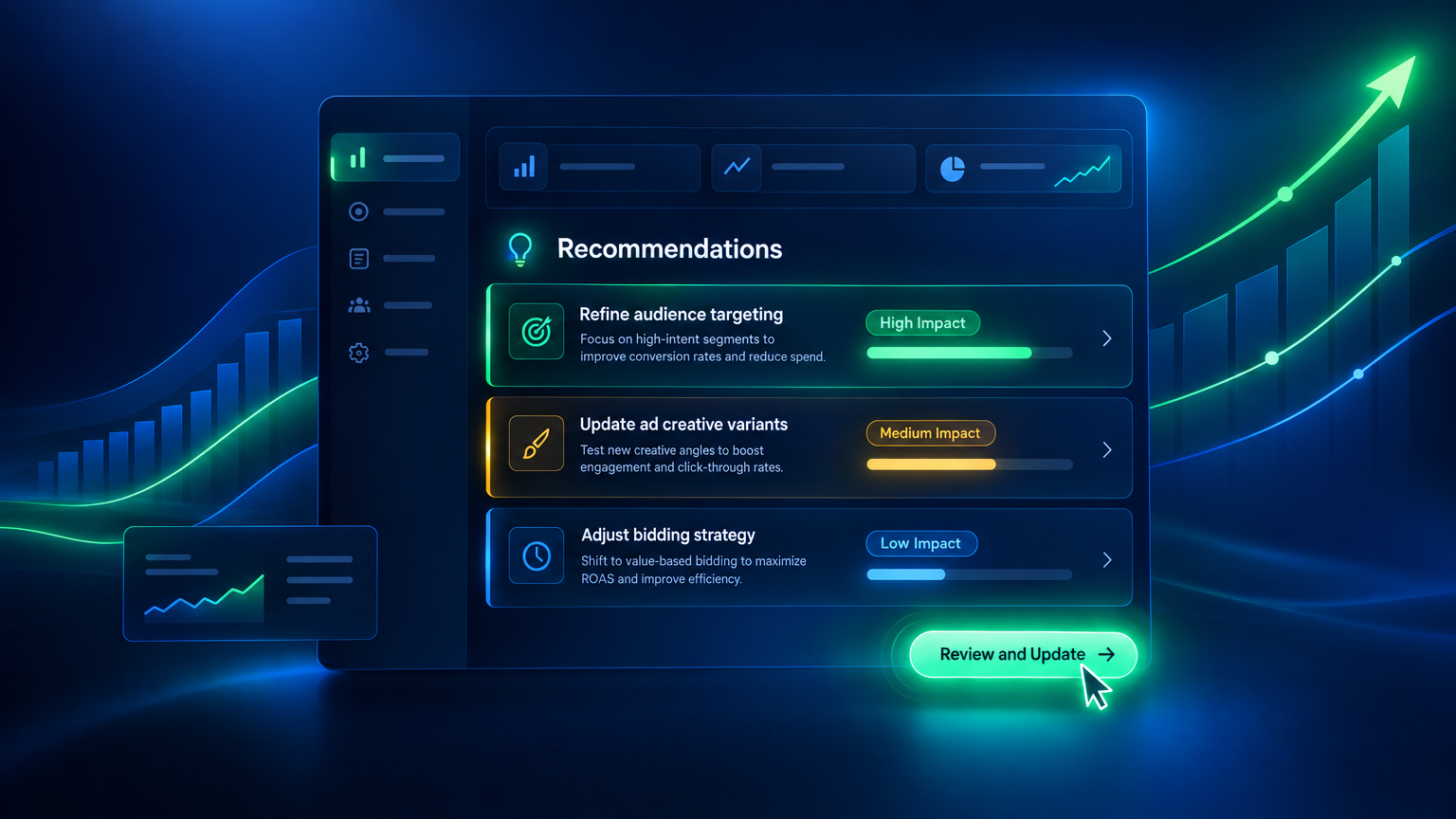
Once a Meta campaign is published, open it inside the Attractzen Ad Manager and navigate to the Review screen. From there you can access a dedicated Meta Recommendations panel that shows you:
- The number of available recommendations at a glance so you always know if there is something worth acting on
- A clear description of each suggested change and which part of the campaign it affects
- The expected performance improvement when that data is available
- An impact level for each recommendation: High, Medium, or Low, so you can prioritize what matters most
- A clean No recommendations right now state when Meta has no current suggestions, giving you a clear signal that the campaign is in good shape
Taking Action Without Switching Platforms
This is the core win. Previously, acting on Meta optimization signals meant leaving Attractzen, navigating to Meta Ads Manager, finding the right campaign, and making the change there. That context-switching adds friction and increases the chance that suggestions go ignored.
Now, clicking Review and Update on any recommendation takes you directly to the relevant section of the campaign inside Attractzen where you can make the suggested change right away. The loop from insight to action stays entirely within your workflow.
How to Access Campaign Recommendations
- Open a published Meta campaign in the Attractzen Ad Manager
- Go to the Review screen
- Select Meta Recommendations from the top-left menu
- Review the available suggestions and their impact levels
- Click Review and Update on any recommendation to navigate directly to that campaign section and make the change
A Note on Recommendations
The recommendations shown come from Meta and reflect current performance data for your campaign. They may evolve as your campaign runs and more data becomes available. Applying a recommendation does not guarantee a specific outcome, but it gives you a structured, data-informed starting point for optimization decisions. Only recommendations that can be addressed directly inside the Attractzen Ad Manager are surfaced, so everything you see is actionable.
What Is Coming Next
This is part of a broader push to unify pre- and post-publish campaign optimization inside Attractzen. The next step will bring Opportunity Score alongside Meta Recommendations for published campaigns, giving you a continuous end-to-end optimization view throughout the full campaign lifecycle.
Want to See Attractzen Ad Manager in Action?
If you are running Facebook or Instagram ads and want to see how Attractzen can help you manage, optimize, and scale your campaigns from one place, let us connect.

Attract
CRM
Import tool
Dialer
IVR phone tree
Voicemail drop
Text (SMS)
Social media planner
Live Chat
A.i. Conversations
Facebook ads
Google ads
Online events
In person events
Lead Magnets
Optin forms
Surveys
Landing pages
Build
Automations
Tasks
Notes
Pipelines
Opportunities
Smart lists
Lead Scoring
Notifications
Bulk SMS
Bulk Email
Newsletter
Blog
A.i. Content
Reputation management
Pixel retargeting
Convert
Appointment scheduling
Zoom
Google Meet
Order forms
Coupon codes
Proposals
Estimates
Invoices
Affiliate Manager
Communities
Stripe / Authorize.net / NMI
Sign Up for our Newsletter
Support
See a demo
Getting started
FAQ's
Help docs
1:1 onboarding
Software updates
Community
Marketplace
Funnel build
Webinar build
Membership setup
Newsletter setup
Blog setup
Affiliate Program setup
Bulk Email setup
Company
About
Careers
Collabs
Integrations
All 628+ integrations
Zapier
Gmail 2 way email sync
Outlook/365 2 way email sync
iCal (Apple)
Google Calendar
Outlook/365 Calendar
Quickbooks
Affiliates
Quicklinks
© 2026 Attractzen
All Rights Reserved.


