
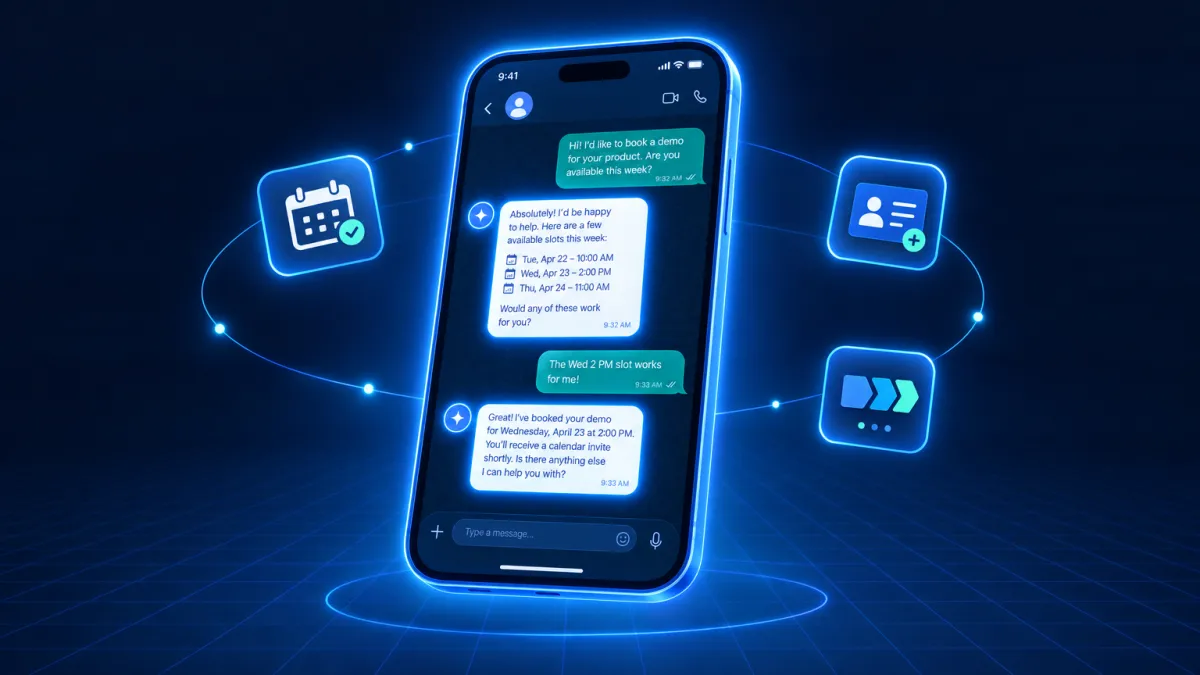
Your AI CRM Copilot Is Now in Your WhatsApp — No App Switching Required
The CRM has always lived behind a screen. Not anymore.
Attractzen's AI copilot — the same one you use to look up contacts, move deals, draft content, and set automations — now lives in WhatsApp. Connect your number once, and your full AI-powered CRM becomes reachable from a text. No browser tab. No laptop. No app.
This Is Not a Lite Version
This matters to say clearly: what you access through WhatsApp is not a simplified version of your CRM assistant. Every capability your copilot has inside Attractzen is available through a message. If your AI can do it from a screen, it can do it from a text.
- Look up a contact and get their full record in seconds
- Add notes, update fields, and move opportunities to the next pipeline stage
- Check your calendar — what's today, what's next week
- Draft a blog post or email template and get it back in the thread, ready to use
- Generate images, video, or audio assets from a plain-language request
- Set recurring tasks by text — "every Monday at 9am, summarize new leads" — and it simply runs from then on
- Schedule follow-ups — "check on this lead in three days" — and the task is created automatically
- Custom skills travel with you — anything you've built into your AI copilot works identically over WhatsApp
Why This Changes How Your Team Works
Most CRM updates happen hours after the relevant conversation ends. By then, the details are fuzzy and the momentum is gone. When your copilot lives in WhatsApp, those gaps close.
You log the note while you're still on the call. You move the deal while you're walking to your car. You set the follow-up before you forget what was said. The work stops living in your head and starts living in your system, where it belongs.
For teams with field staff, on-site members, or anyone who lives on their phone, this means the same AI capability that used to require a laptop is now accessible from wherever they already are.
How It Stays Secure
Each connected WhatsApp number is tied to the individual user who set it up. Other team members cannot access or take over your connection. Every conversation is saved automatically in the Dispatch tab inside Attractzen — fully searchable, sortable, and paginated so nothing gets lost.
If you've already connected a number at another location, a single confirmation moves it over cleanly. No manual cleanup required.
How to Connect
- Open the Dispatch tab inside Attractzen (or go to Customize → Dispatch)
- Tap Connect WhatsApp
- Scan the QR code with your phone and send the first message to the number shown
- Enter the verification code you receive on WhatsApp to complete the connection
From that point forward, message that number any time to reach your AI copilot. Every past conversation stays available in the Dispatch tab.
What's Coming Next
WhatsApp is the first Dispatch channel. More are on the way — including Slack and Instagram — so your AI copilot will meet you in whichever conversation thread you're already working from.
Ready to see what Attractzen's AI Workforce can do for your business?

Attract
CRM
Import tool
Dialer
IVR phone tree
Voicemail drop
Text (SMS)
Social media planner
Live Chat
A.i. Conversations
Facebook ads
Google ads
Online events
In person events
Lead Magnets
Optin forms
Surveys
Landing pages
Build
Automations
Tasks
Notes
Pipelines
Opportunities
Smart lists
Lead Scoring
Notifications
Bulk SMS
Bulk Email
Newsletter
Blog
A.i. Content
Reputation management
Pixel retargeting
Convert
Appointment scheduling
Zoom
Google Meet
Order forms
Coupon codes
Proposals
Estimates
Invoices
Affiliate Manager
Communities
Stripe / Authorize.net / NMI
Sign Up for our Newsletter
Support
See a demo
Getting started
FAQ's
Help docs
1:1 onboarding
Software updates
Community
Marketplace
Funnel build
Webinar build
Membership setup
Newsletter setup
Blog setup
Affiliate Program setup
Bulk Email setup
Company
About
Careers
Collabs
Integrations
All 628+ integrations
Zapier
Gmail 2 way email sync
Outlook/365 2 way email sync
iCal (Apple)
Google Calendar
Outlook/365 Calendar
Quickbooks
Affiliates
Quicklinks
© 2026 Attractzen
All Rights Reserved.


