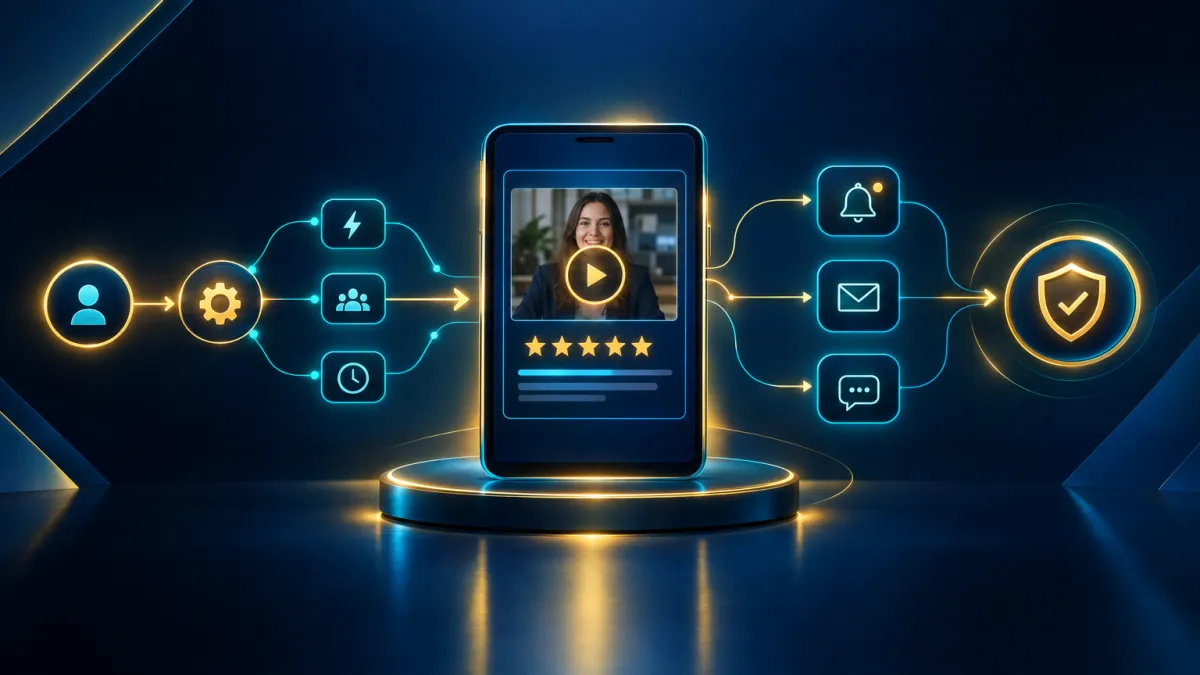
Turn Every Video Testimonial Into an Automated Workflow: New Triggers and Approval Controls in Attractzen
Your Next Video Testimonial Doesn't Have to Wait for You
Every time a customer submits a video testimonial, it represents a moment worth acting on — fast. A thank-you message, an internal heads-up to the team, a task assigned for follow-up. Until now, catching that moment required someone to manually check the inbox. Not anymore.
Attractzen's reputation management tools just got a powerful upgrade. You can now trigger fully automated workflows the instant a new video testimonial is submitted — and you have complete control over which testimonials are displayed publicly on your website widgets.
What's New in Attractzen
1. Automate What Happens the Moment a Testimonial Arrives
A new workflow trigger fires as soon as a video testimonial is submitted through any of your Video Testimonial Collectors. That single trigger can kick off as many actions as you need:
- Send an immediate thank-you or follow-up message to the reviewer
- Notify your team via SMS, email, or internal notification
- Create a task or note for follow-up review
- Pass the testimonial data into a webhook or any downstream workflow step
- Branch into different automation paths based on which collector received the submission or whether marketing consent was granted
This means your team can respond to a happy customer within seconds of their submission — without lifting a finger.
2. Route Workflows by Collector and Consent
Not all testimonials are created equal. A submission from a summer campaign collector should be handled differently than one from your flagship product page. Two built-in filters give you that precision:
- Marketing Consent: Only send follow-up marketing messages to reviewers who opted in
- Video Collector: Run separate automations for specific collectors — by campaign, product line, event, or partner
This makes it practical to run parallel testimonial programs across your business without tangling workflows together.
3. Use Testimonial Data Inside Any Workflow Action
Testimonial details are now available as custom values across all supported workflow actions. That means you can personalize messages, populate notes, and route data — all using real information from the submission:
- Reviewer Name
- Reviewer Email
- Reviewer Phone
- Marketing Consent Status
- Submitted At (timestamp)
- Collector Name
- Video Link
Write a personalized thank-you that includes the reviewer's name and the video link. Auto-populate a note in their contact record. Pass the video URL to an internal Slack webhook or a third-party tool. The data is yours to use however your workflow calls for.
4. Control Which Testimonials Go Live on Your Website
Attractzen's reputation widget now includes built-in approval and visibility controls so you decide what the public sees:
- Auto-publish: New video testimonials appear on your widget automatically as they arrive (this remains the default)
- Manual approval: New submissions are held for review before going live — giving you a moderation step before anything appears publicly
You can also show or hide individual testimonials directly from the Responses page — no need to edit widget settings every time. Each submission is clearly labeled so your team can identify new arrivals that haven't been reviewed yet and see at a glance whether a testimonial is currently displayed.
Why This Matters for Your Business
Video testimonials are one of the most powerful trust signals you can put in front of a prospect. But collecting them is only half the job. What happens after a testimonial comes in — the follow-up, the review process, the publishing decision — that's where most businesses leave value on the table.
With these new capabilities, Attractzen closes the loop. A customer submits a video, your automation fires, the reviewer gets a personal thank-you, your team gets notified, and the right testimonials show up on your website — all without a single manual step unless you choose one.
For businesses running the Attractzen AI Reviews Manager, this is a natural extension of how the platform already handles reputation — intelligently, automatically, and in your brand voice.
How to Set It Up
- In your Attractzen Workflows, add a new trigger and select Video Testimonial Received
- Apply filters for Marketing Consent or Video Collector as needed
- Add your actions — notifications, tasks, emails, SMS, or webhooks
- Use the custom values (Reviewer Name, Video Link, etc.) to personalize each action
- In Reputation → Widget Settings, choose between auto-publish and manual approval for new submissions
- Manage individual testimonial visibility directly from the Video Testimonials → Responses page
Ready to Put Your Testimonials to Work?
If you're already collecting video testimonials in Attractzen, this upgrade is live and ready to use. If you haven't set up your Attractzen AI Reviews Manager yet, now is a great time to see what automated reputation management can do for your business.


