Automate Your Community Posts: Social Planner Now Supports Scheduled Community Publishing
Keeping a community active takes consistent effort — posting regularly, staying visible, and making sure content goes out on behalf of the right people. That kind of consistency gets hard to maintain manually, especially as your business grows.
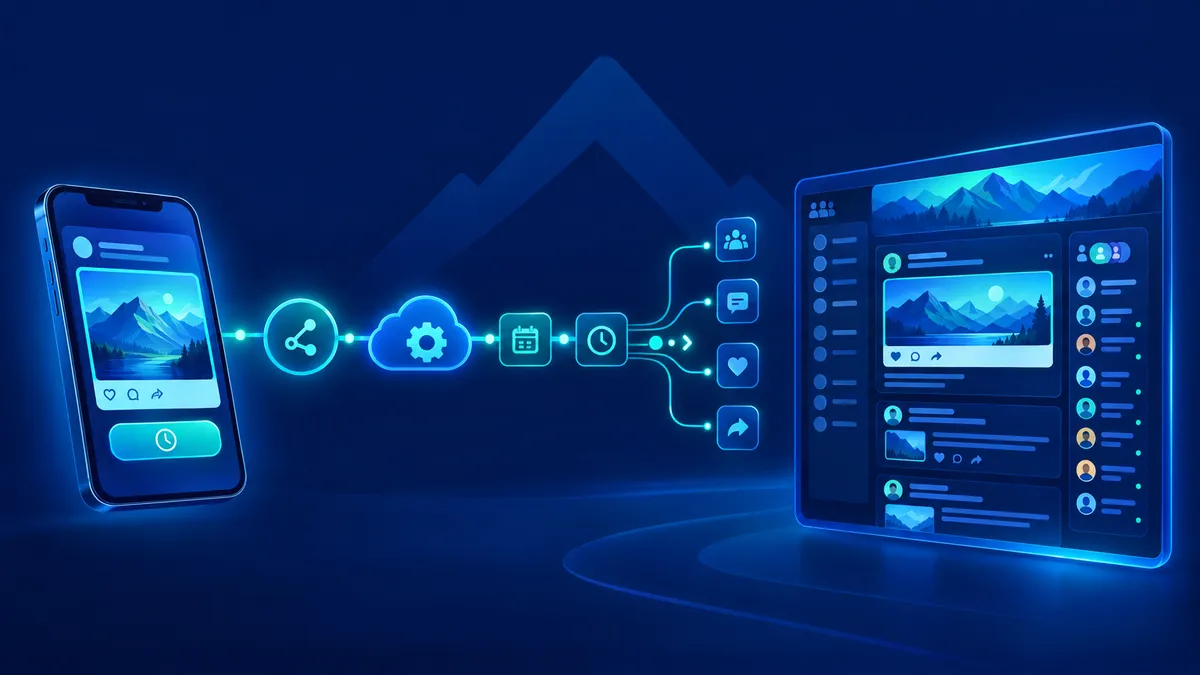
Attractzen's Social Planner now supports scheduled Community post publishing, including the ability to specify which community member a post is published as. That means your community content can run on autopilot — timed, targeted, and always attributed correctly.
What This Means for Your Business
Think of all the announcements, welcome posts, weekly check-ins, and event reminders that keep a community feeling alive. Until now, those had to be created and posted by hand. With this update, that work can be built into your content workflows — queued ahead of time, published automatically, and tied to the right voice in your community.
This is especially useful if you manage communities on behalf of clients, run team-based community programs, or want to maintain a consistent posting cadence without relying on someone to remember to do it manually each week.
What's Now Possible
Schedule Community Posts in Advance
Queue up community content ahead of time inside the Social Planner, just like you would for Instagram, Facebook, or LinkedIn. Set the date, set the time, and let it go live automatically.
Publish as a Specific Community Member
When scheduling a community post, you can select which eligible, active community member the post should appear under. That means announcements, updates, and content can come from the right voice — a team leader, a featured contributor, or a specific role — without that person needing to log in and post manually.
Built-In Eligibility Verification
Before a post goes live, Attractzen verifies that the selected member is still active and authorized to post. If something has changed — they've left the community or their permissions were updated — the post won't go out under the wrong name. Instead, you get a clear notification so you can take action before the scheduled time passes without you knowing.
Consistent, Reliable Community Communication
Errors are caught before they become problems. Your community content pipeline stays clean, your member attribution stays accurate, and your audience keeps seeing consistent, well-timed content from the right people.
How to Get Started
- Open Marketing → Social Planner → Settings → Social Accounts and connect your Community group.
- Create a new post in the Social Planner and select your connected Community as the publishing destination.
- Choose the community member you want the post to be published as from the available list of eligible members.
- Set your scheduled date and time, then save.
- Attractzen handles the rest — verifying eligibility at publish time and delivering the post as planned.
Why It Matters for Growing Teams
The businesses and teams that show up consistently in their communities build stronger relationships, more engaged audiences, and more loyal customers. The challenge has always been the time it takes to do that well.
By bringing community publishing into the same scheduling workflow as the rest of your social media, Attractzen removes that friction. Your community gets the same strategic attention as your other channels — without adding to your team's daily task list.
Whether you're running a membership community, a client group, a coaching program, or an internal team hub, this update gives you one more way to stay present without being manually on.
Ready to Put Your Community Content on Autopilot?
See how Attractzen's Social Planner and community tools can work together for your business.


