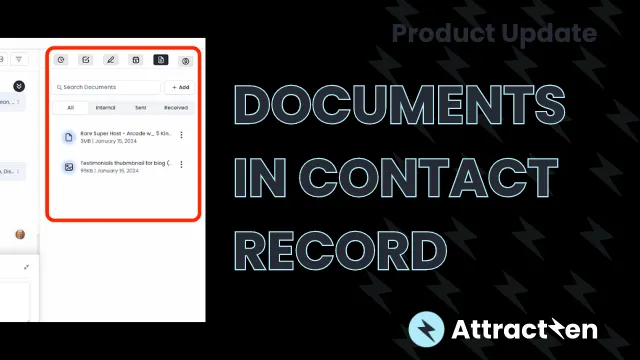
Product Update: Documents inside Contact Records
Sean from Attractzen here with an exciting product update for you regarding the contact record. We have introduced a new feature called "Documents" within the contact record. This feature is conveniently located on the right-hand side of the contact screen, alongside other items such as activity task notes and appointments.
Video Overview:
In the Documents section, you can easily add various types of documents. You have the option to select files from your computer, drag and drop them, or upload files in formats such as .doc, png, jpeg, gifs, and powerpoints. I have already uploaded some files, and by simply clicking on them, you can instantly view them. Whether it's an image or a PDF, a single click allows you to access the files directly within the contacts section.
Now you can save all your relevant information in one place. In the future, we will be organizing the documents based on their source, whether they are internal files or submitted by customers through forms, such as photos, PDFs, agreements, etc.
Additionally, we are working on sorting documents based on whether they have been sent or received. For now, you can easily search for your documents and add them right here. There's no need to switch to Google Drive or any other platform. You now have all the customer-centric and customer-specific files at your fingertips, benefiting both you and your staff.
Feel free to start using this feature and let us know if you have any questions. Thank you for your attention.


