Ring Your Whole Team at Once — Every Inbound Call, Every Device: Number Pool Routing Is Now Smarter in Attractzen
Inbound Calls Shouldn't Go to One Device — or Get Missed Entirely
When a lead calls your tracked number, every second of ringing without an answer is a second that lead considers calling someone else. The traditional solution — forwarding to a single number or a single device — puts too much pressure on one person and leaves no backup when they're unavailable.
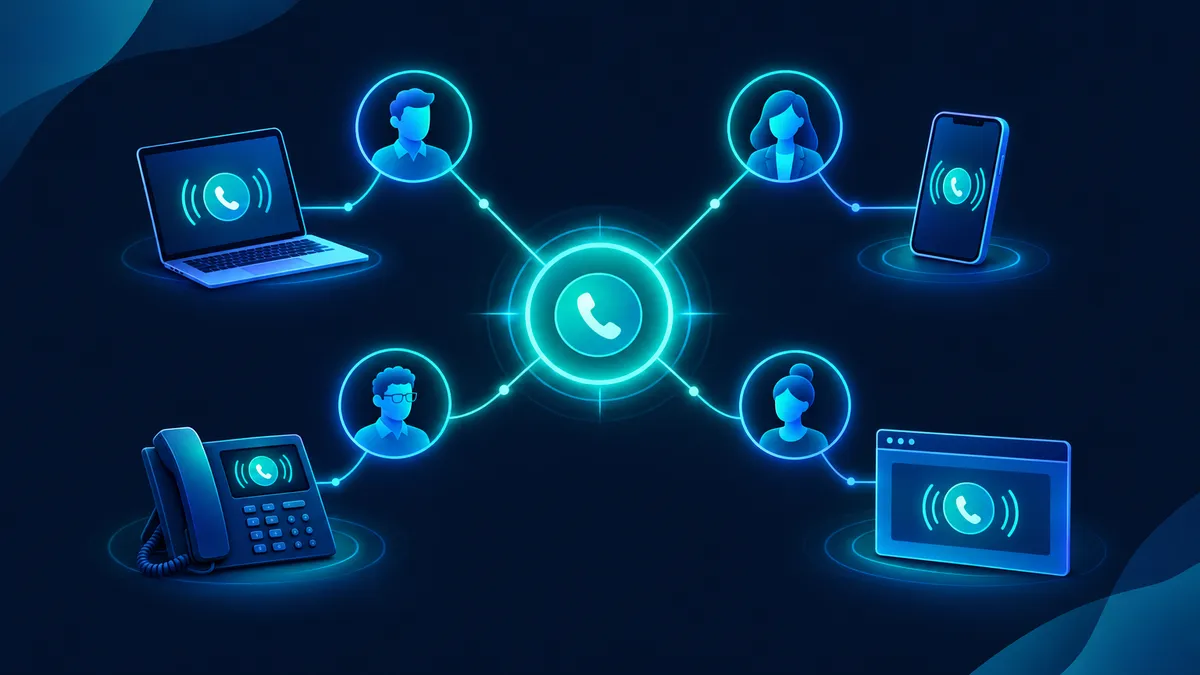
Attractzen's number pool call routing has been upgraded to solve exactly this. You can now ring up to six team members at the same time, with each person answering on whichever device suits how they work.
How It Works
Inside your number pool settings, turn on Ring Incoming Call to Selected Users. From there:
- Select up to 6 team members. When a call comes in, every person's devices ring simultaneously — no sequential hunting, no waiting for one person to time out before trying the next.
- Each person answers on their preferred device. Team members can receive calls on the Attractzen web app, the mobile app, a desk phone, or their personal phone number — based on how they've configured their ring channel in Settings.
- Your selections are saved. Once you configure the ring group for a number pool, those settings persist. You don't need to re-enter them each session.
Why This Makes a Real Difference
Speed-to-answer is one of the most underrated factors in lead conversion. Research consistently shows that the business that responds first wins the majority of opportunities. A simultaneous ring-all setup means the fastest available team member picks up — not the one who happens to be at their desk.
It also means your team can stay flexible. A salesperson working remotely on their phone answers the same call as a colleague in the office on a desk phone. No rerouting, no manual forwarding, no dropped leads because someone stepped away from their computer.
Configuring Each Team Member's Device Preference
Each user can set their preferred answer device independently. In Attractzen, navigate to Settings → Users/My Staff → Edit → Call & Voicemail → Default channel for ring all. Available options include web, mobile, desk phone, and personal number. This setting travels with the user across every ring group they're part of.
What This Looks Like in Practice
- A small sales team of four ensures that every inbound inquiry from a campaign gets answered, even during peak hours when one or two members are already on calls.
- A home services business with technicians in the field rings the office coordinator, the dispatcher, and the on-call tech at the same time — whoever's free picks up.
- A real estate team running call tracking campaigns ensures no tracked lead goes to voicemail during business hours, with every agent ringing simultaneously.
Where to Find It
Open any number pool in your Attractzen phone settings, look for the Ring Incoming Call to Selected Users option, and select the team members you want included. Save your settings and it's live immediately.
Want to See the Full Power of Attractzen's Phone and Automation System?
Call routing is just one piece of Attractzen's AI-powered communication stack — speed to lead, voicemail drop, AI receptionist, and automated follow-up all work together to make sure no lead ever falls through the cracks. Book a demo and we'll show you how it fits your business.


